Your business card, right in Apple Wallet.
Add your AddvCard to Apple Wallet and share it from your lock screen in one tap. Update your details once and every saved card refreshes silently.
Open and share without opening an app.
A paper card gets lost. A card in your phone’s wallet is always there. With AddvCard in Apple Wallet, your professional identity sits next to your boarding passes and payment cards — accessible in your wallet and ready to share whenever you meet someone new.
The biggest difference from a printed card is what happens after you share it. When you change roles, move companies, or update your number, you edit it once in AddvCard and the pass updates silently in your wallet. No reprints, no “ignore my old card,” no stale details.
Get Started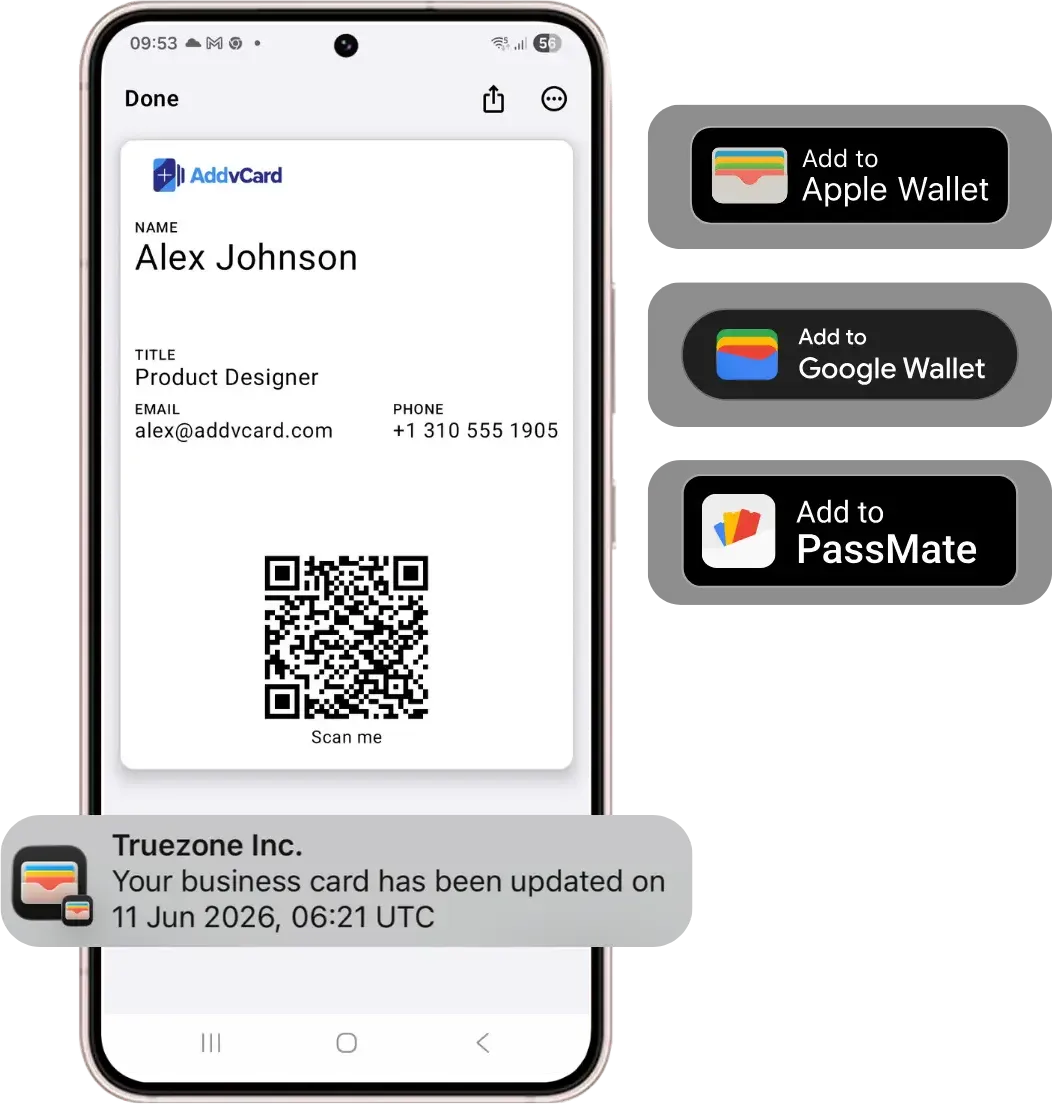
Why keep your card in Apple Wallet?
Apple Wallet is one of the most-opened apps on iPhone — people use it for payments, transit, tickets, and loyalty cards every day. Putting your business card there means it lives where your contacts already look, instead of being buried in a notes app or a drawer full of paper cards.
- One-tap sharing. Pull up your card from the lock screen and let people scan it or tap to save your contact.
- Silent updates. Change a detail once and every saved pass reflects it automatically.
- Always with you. No app to install, no card to forget — your wallet is already in your pocket.
- Works with Google Wallet too. Colleagues and clients on Android get the same experience with Google Wallet.
Perfect for people who network constantly
Whether you’re a real estate agent at an open house, a sales rep at a trade show, or a consultant between meetings, your card is ready the moment you need it. Pair it with QR code sharing and you can exchange contacts with anyone, on any phone, in seconds.
Common questions.
Add your card to Apple Wallet today.
Share your contact details instantly with QR codes, Apple Wallet, and Google Wallet. No credit card required to start.
Get Started