Your business card, right in Google Wallet.
Keep your AddvCard in Google Wallet on any Android phone. Share it in one tap and update your details once — every saved card stays current.
Always current, always in your pocket.
Google Wallet keeps your everyday passes — payment cards, transit, tickets — one swipe away. AddvCard adds your professional identity to that same place, so sharing your contact details is as quick as paying for coffee.
And because it’s digital, your card is never out of date. Change your title or number once in AddvCard and the pass updates silently in your Google Wallet — no reprinting, no awkward “use my new number instead.”
Get Started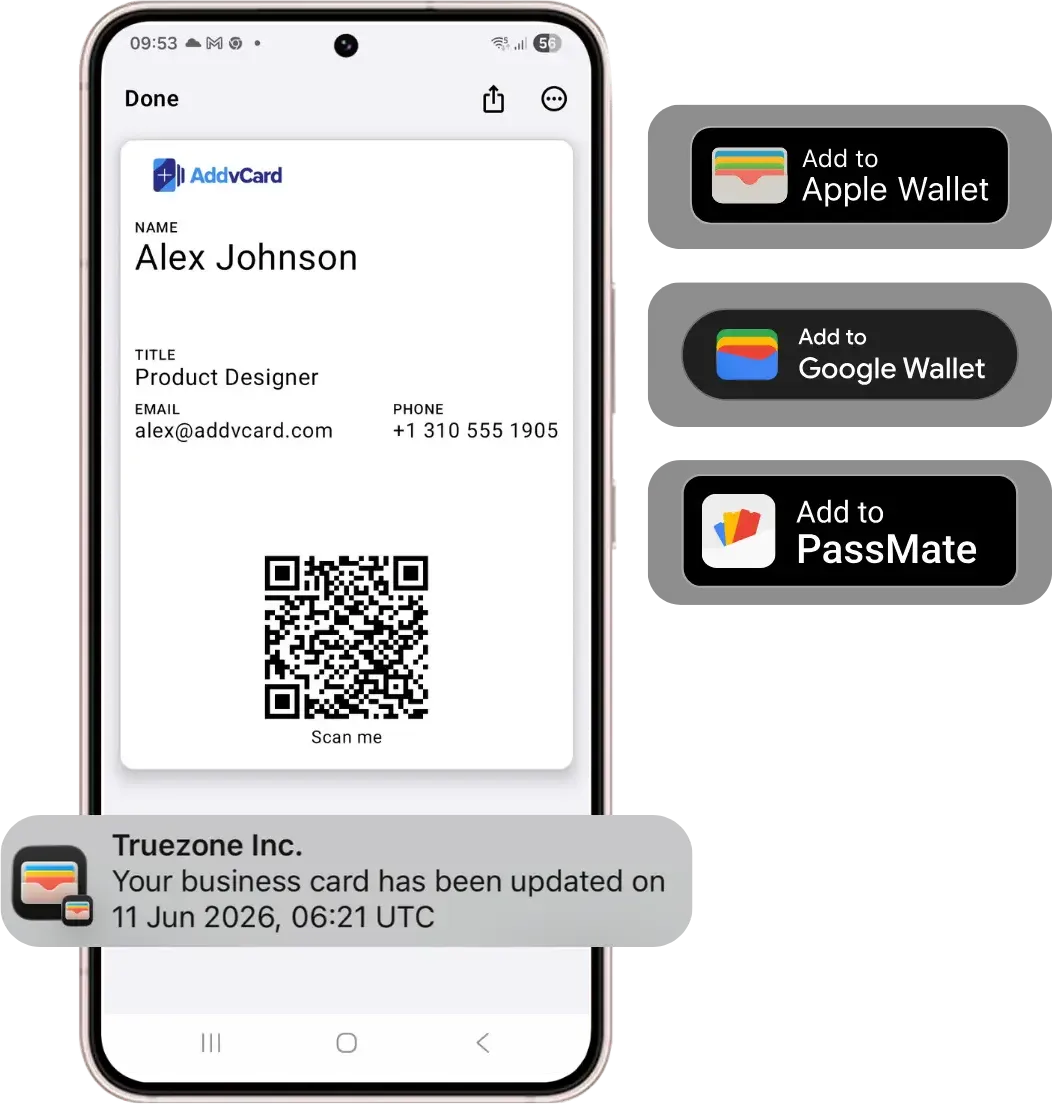
Why keep your card in Google Wallet?
For Android users, Google Wallet is the natural home for the cards and passes they use every day. Storing your business card there means it’s instantly accessible — no hunting through apps, no paper to carry, and nothing to forget at home.
- One-tap sharing. Open your card from Google Wallet and let people scan or tap to save your contact.
- Silent updates. Edit once in AddvCard; every saved pass refreshes automatically.
- Cross-platform. Works seamlessly alongside Apple Wallet for iPhone users on your team.
- No app for recipients. Anyone can save your details from your QR code or link.
Built for teams on mixed devices
Most organizations are a mix of iPhone and Android. With AddvCard, every employee gets the same polished experience in their native wallet — Apple or Google — while team management keeps branding consistent across everyone’s cards.
Common questions.
Add your card to Google Wallet today.
Share your contact details instantly with QR codes, Apple Wallet, and Google Wallet. No credit card required to start.
Get Started