Your digital business card in PassMate Wallet.
Add your AddvCard business card to PassMate Wallet on Android and keep your contact details one tap away. Share your information instantly, update your card anytime, and always carry the latest version in your pocket.
Always available on your Android phone.
PassMate Wallet keeps your digital business card accessible whenever you need it. Open your card in seconds, display your QR code, and share your contact information during meetings, events, and networking opportunities.
Android users often receive a .pkpass file and aren’t sure how to open
it. PassMate removes that friction — it brings the Apple Wallet experience to Android,
so your AddvCard feels right at home.

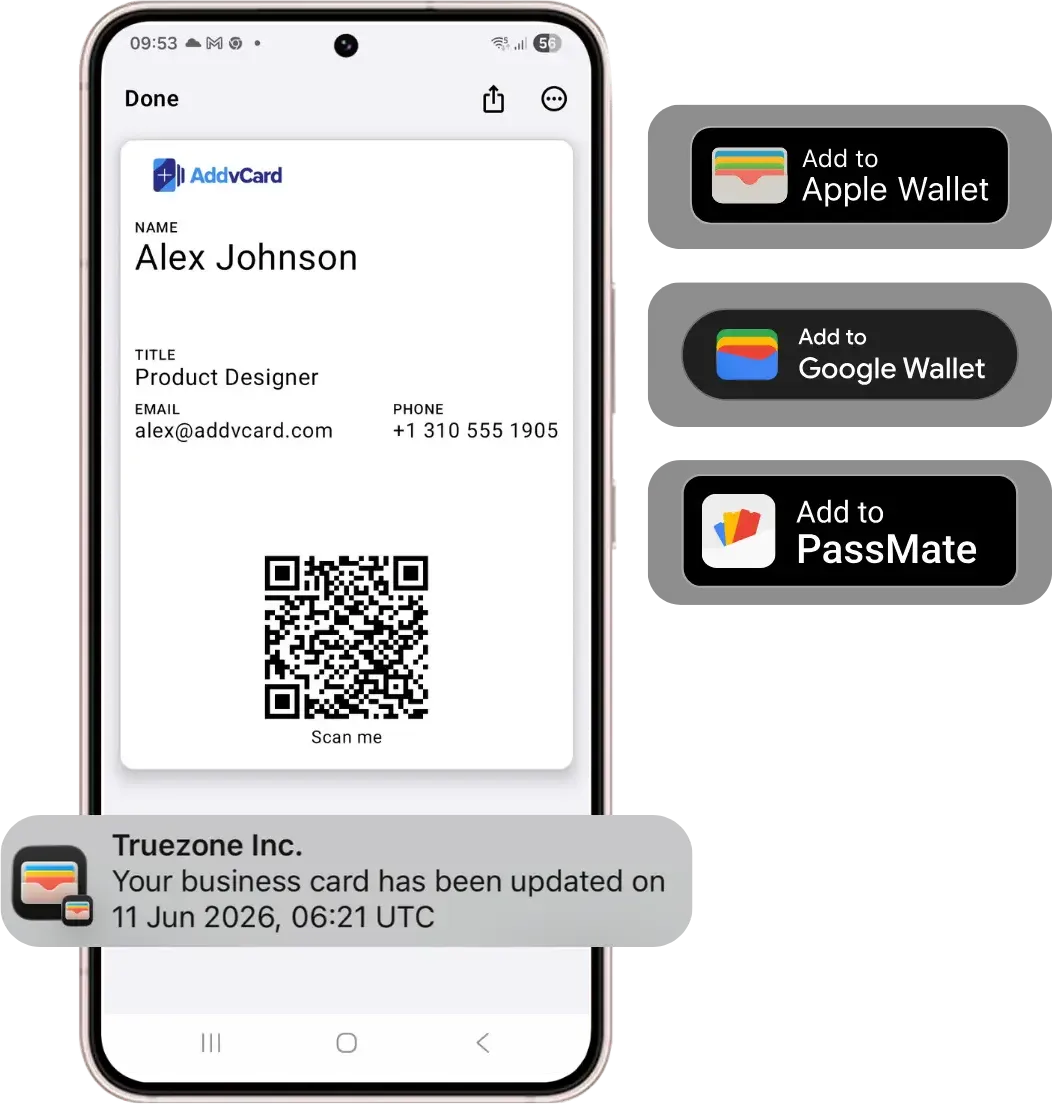
Update once, stay current everywhere
Change your phone number, job title, company, or website in AddvCard and your PassMate Wallet card automatically stays up to date. No reprinting and no outdated contact information.
Built for Android users
PassMate supports Apple Wallet compatible passes on Android devices, making it easy to carry your AddvCard business card in a dedicated wallet app designed for digital passes and cards.
- One-tap sharing. Open your card from PassMate Wallet and let people scan or tap to save your contact.
- Silent updates. Edit once in AddvCard; supported passes refresh automatically.
- Apple Wallet experience on Android. Store
.pkpassfiles without the friction of figuring out how to open them. - No app for recipients. Anyone can save your details from your QR code or link.
Built for teams on mixed devices
Most organizations are a mix of iPhone and Android. With AddvCard, every employee gets the same polished experience — Apple Wallet on iPhone and PassMate or Google Wallet on Android — while team management keeps branding consistent across everyone’s cards.
Common questions.
.pkpass files, allowing users to store and manage digital passes, tickets, loyalty cards, and business cards on Android devices.Add your card to PassMate Wallet today.
Share your contact details instantly with QR codes, Apple Wallet, and Google Wallet. No credit card required to start.
Get Started